Layout & Sections
4-5 min
Understanding Sections
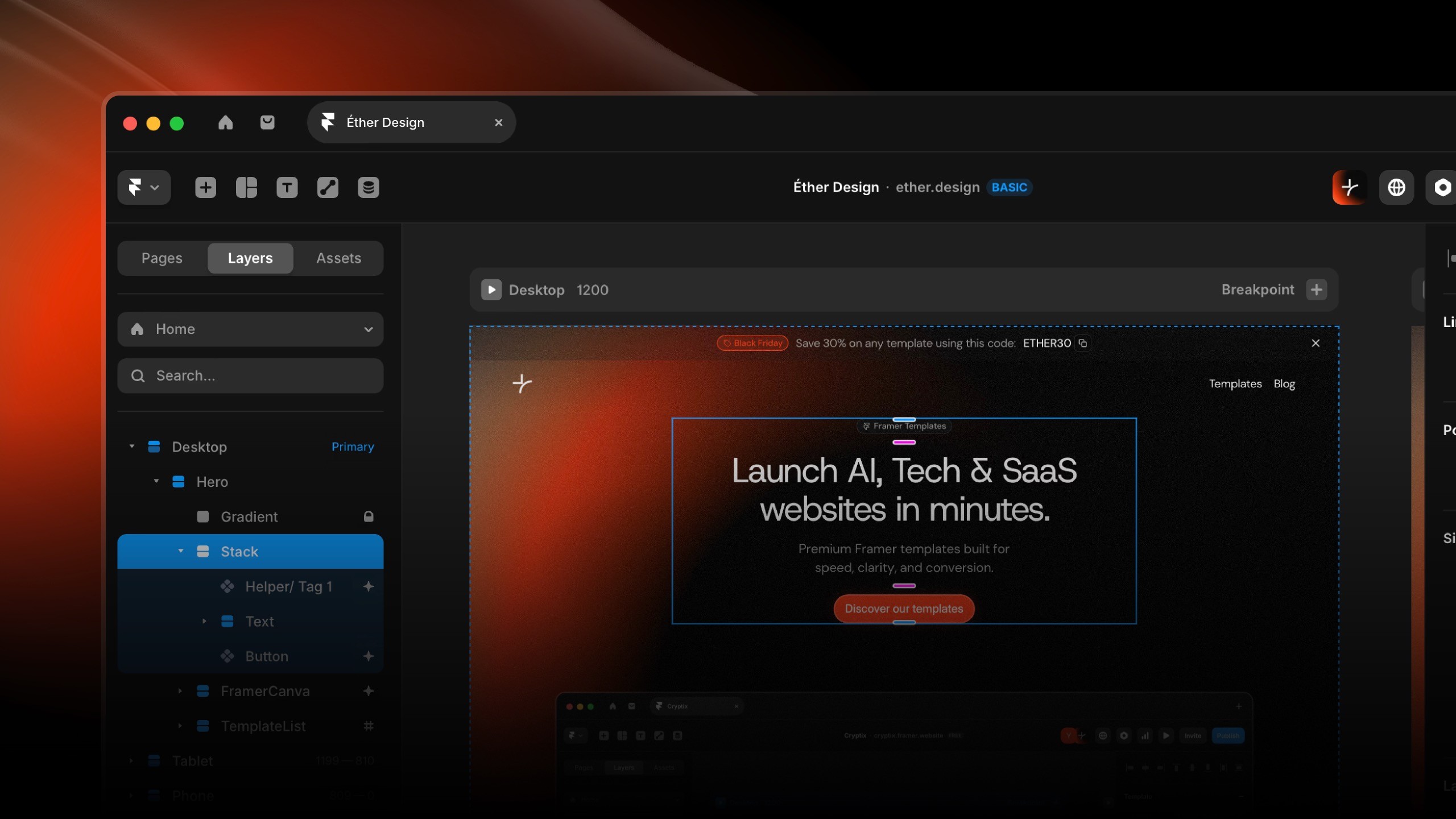
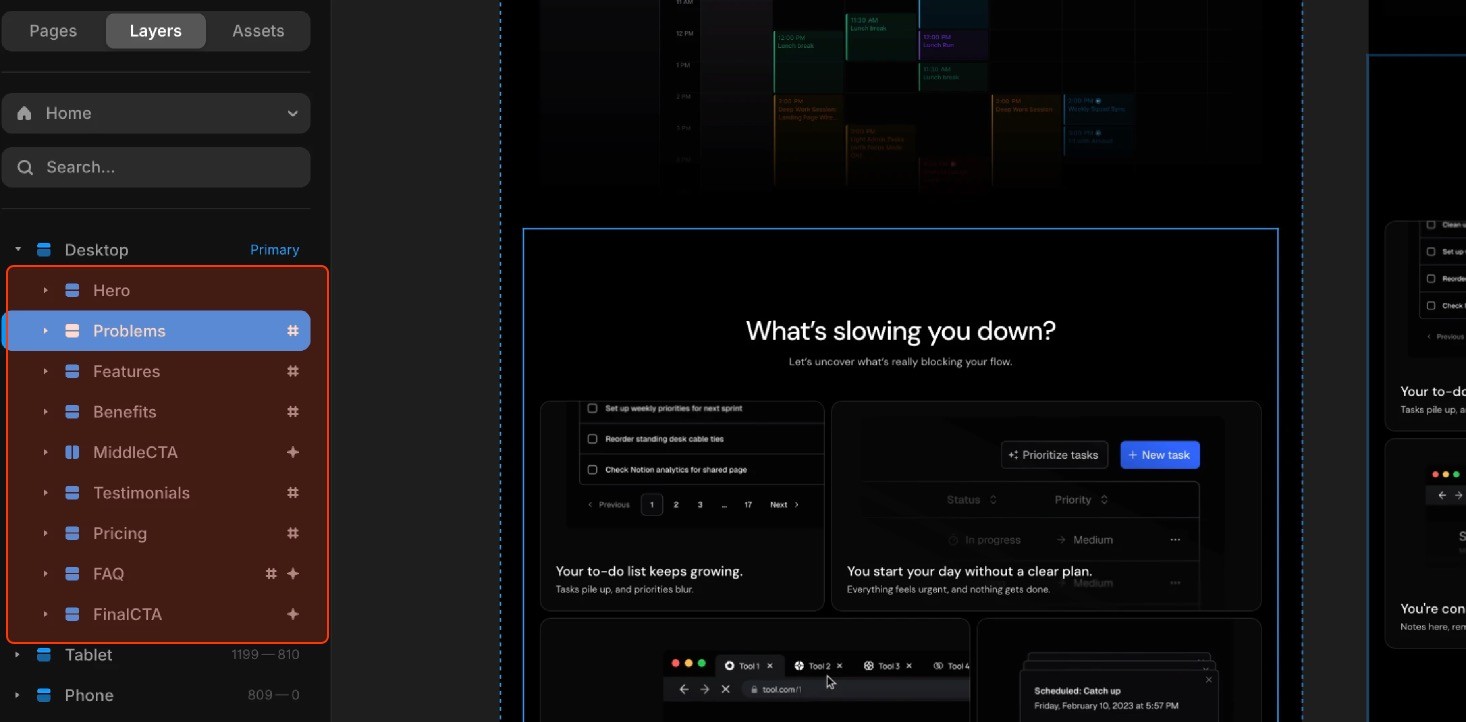
Your template is built with modular sections (also called "Frames" in Framer). Each section is an independent block containing related content.
Common section types:
Hero/Header
Features grid
Testimonials
Call-to-action
Footer
Benefit: Sections can be added, removed, or reordered without breaking your layout.
Duplicating Sections
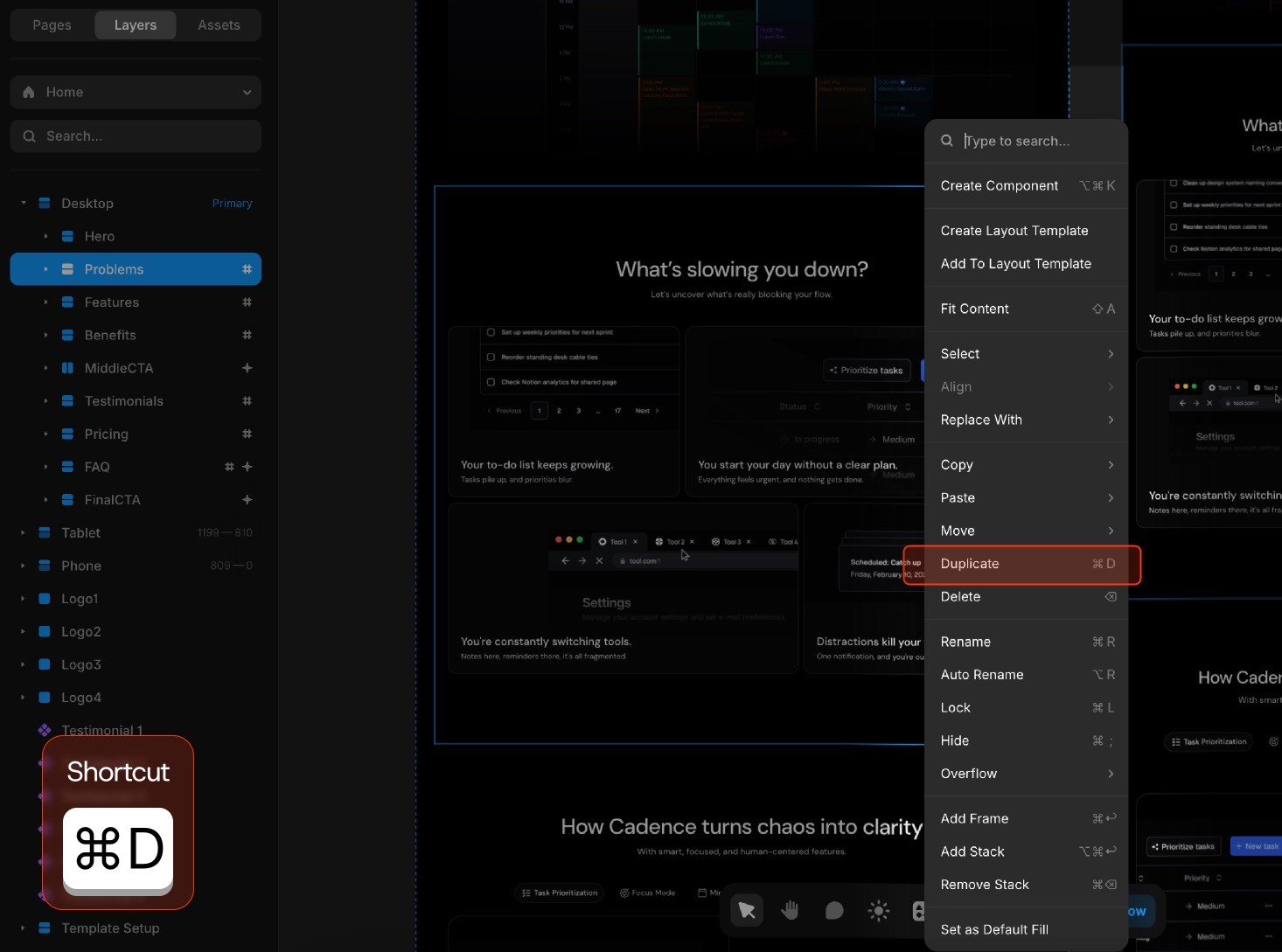
To duplicate a section:
Select the section frame on the canvas (click the container, not individual elements)
Use
Cmd/Ctrl + Dor right-click → DuplicateDrag the duplicated section or use arrow keys to desired position
Modify content as needed
Use cases:
Add more feature blocks
Create additional testimonial rows
Expand service offerings
Tip: Duplicating maintains all styling, spacing, and responsive behavior.
Removing Sections
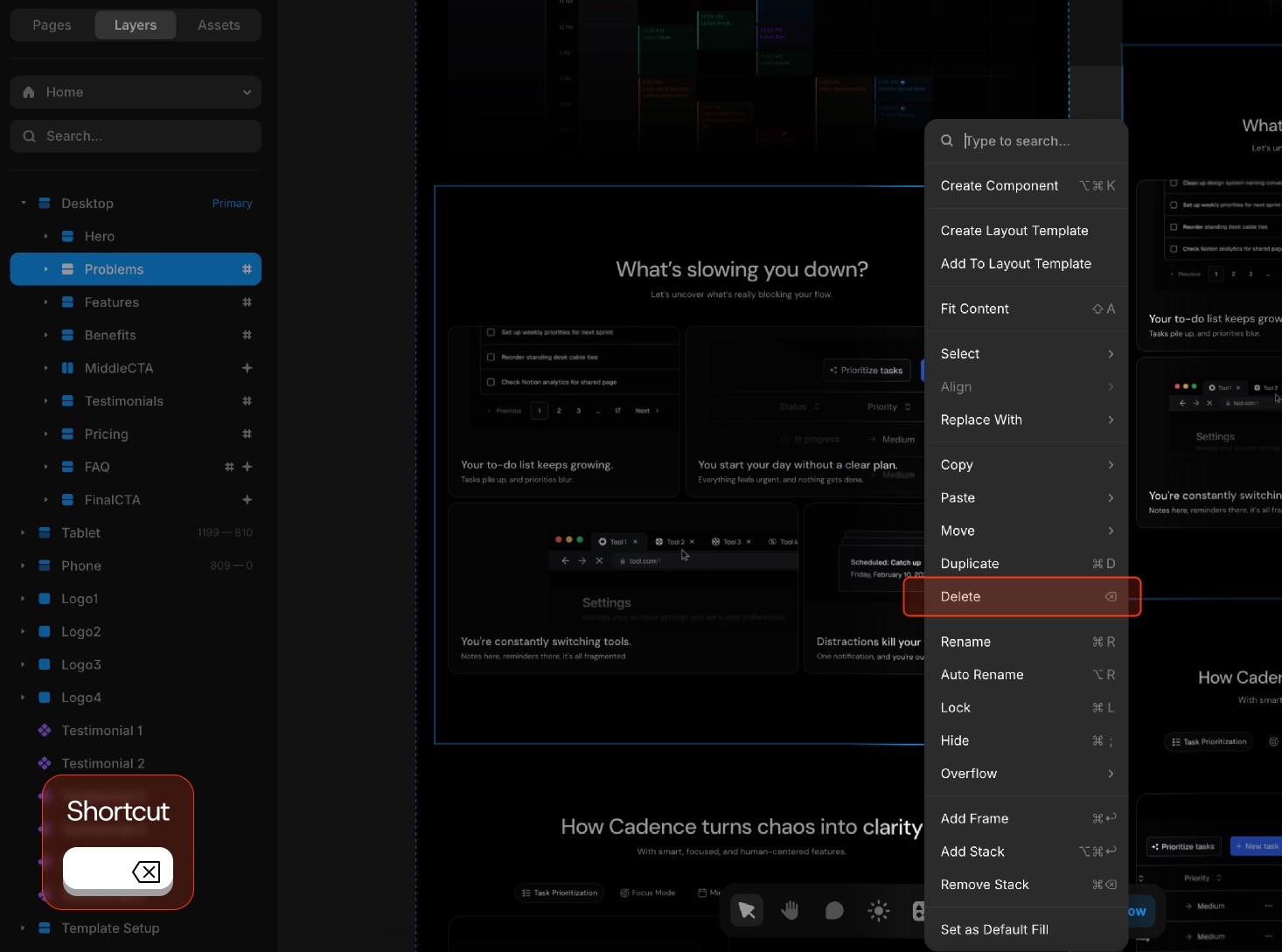
To delete a section:
Select the section frame
Right click,
Deleteor simply hitBackspacePreview to confirm layout integrity
💡 Best practice: Hide sections instead of deleting if you're unsure. Select the section → Right Panel → toggle "Visible" off.
Reordering Sections
To move sections:
Select the section in the Layers panel (left sidebar)
Drag it up or down in the hierarchy (or use arrow keys on an entire selected section)
Sections reposition automatically on the canvas
Typical reorders:
Move CTA section higher for better conversion
Position testimonials after features
Adjust content flow for narrative
Adjusting Spacing
Section padding (internal spacing):
Select the section frame
Right Panel → Layout section
Adjust padding values (top, right, bottom, left)
Section gap (space between sections):
Select the parent stack
Right Panel → Gap property
Increase or decrease value
Responsive spacing:
Adjust padding on smaller devices to increase readability
Test mobile view after adjustments
Override mobile spacing if needed (device-specific properties)
Common Issues
Section won't move:
Ensure you're selecting the section frame, not child elements
Check if section is locked (Right Panel → lock icon)
Spacing looks wrong on mobile:
Override by going on the mobile frame and adjusting manually