Getting Started with Your Template
3-4 min
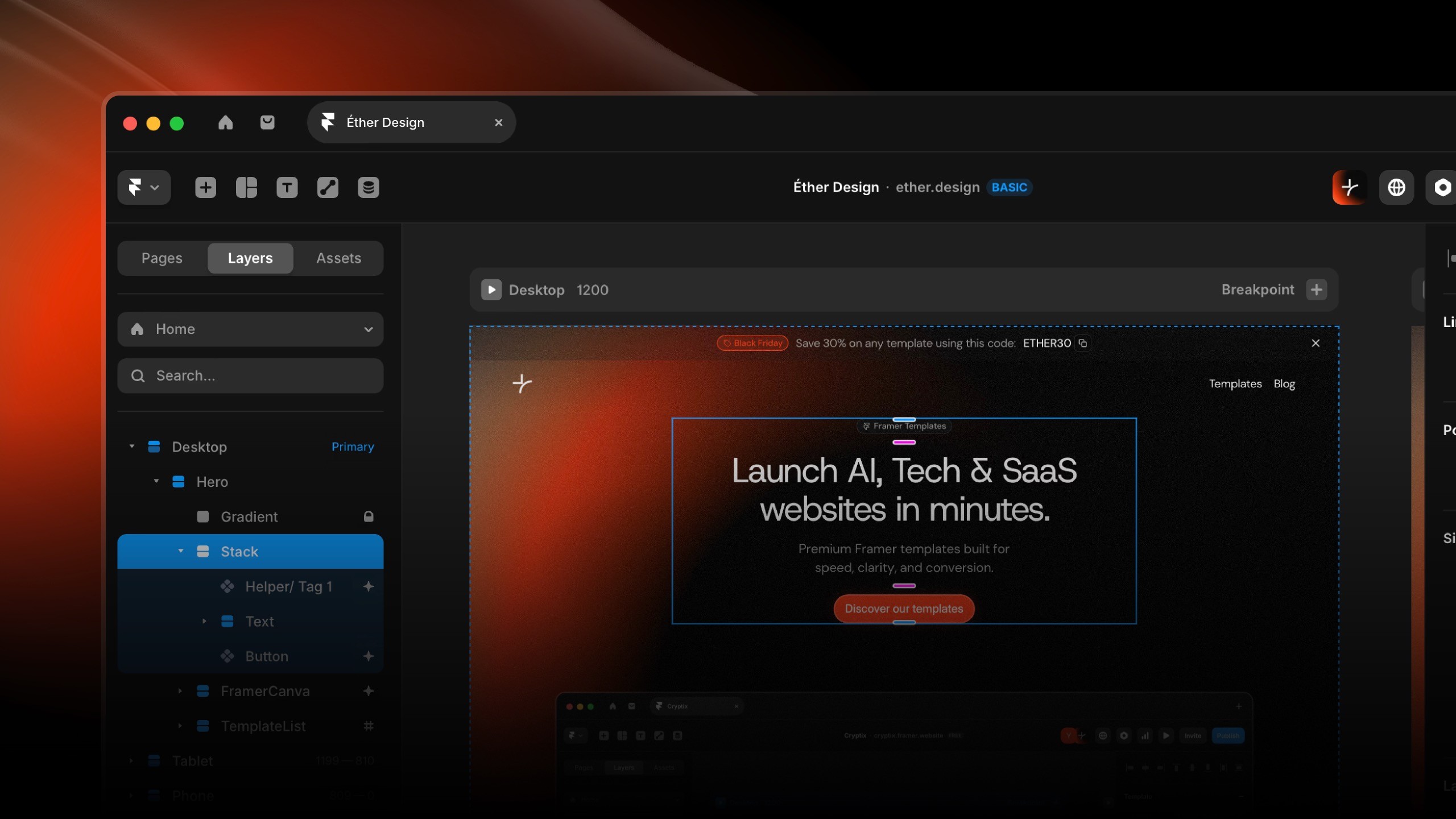
Duplicate & Access Your Template
Your template has been duplicated into your Framer workspace.
Access it:
Navigate to framer.com
Open "Projects" from the top navigation
Select your template (typically at the top of your project list)
Rename the project by clicking the title in the top bar
Framer Interface Overview
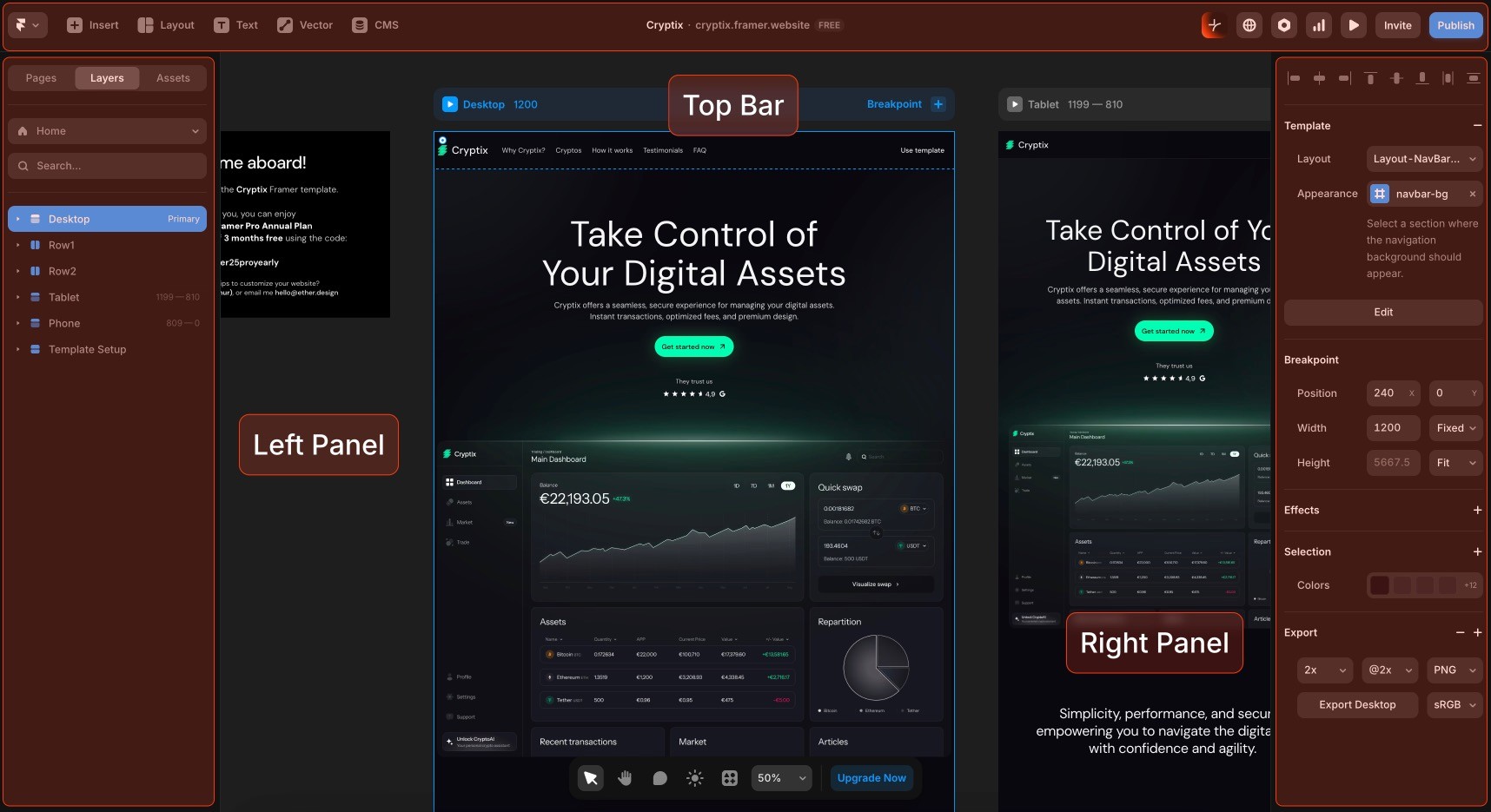
The editor consists of 5 primary areas:
Top Bar: Tools, Project details, Site settings, Preview button, and Publish controls
Left Panel: Pages list (your site's page structure) / Layers (Hierarchical view of page structure) / Assets (Components of your project)
Canvas: Central workspace for design and layout
Right Panel: Properties for selected elements
Key Principles
Version Control: Framer maintains unlimited undo (Cmd/Ctrl + Z). Your duplicate is independent of the original template.
Preview Workflow: Preview frequently after changes to catch issues early.
Responsive Design: Always verify mobile appearance. Over 60% of traffic is mobile.